DevEx Calculator
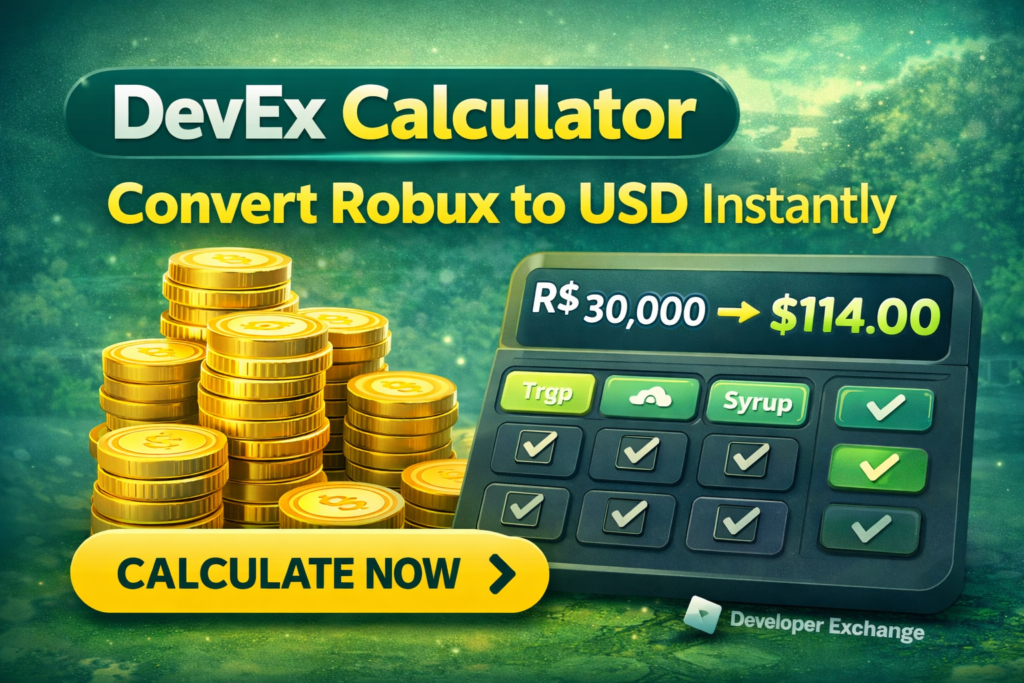
Use this DevEx calculator to estimate how much your earned Robux could convert into U.S. dollars through the Roblox Developer Exchange program. Enter your Earned Robux, choose a payout method, and get a fast estimate of gross payout, payout fees, and net cash-out value.
This page is built for creators, studios, and Roblox developers in the United States who want a quick way to plan DevEx payouts. It is also useful for budgeting game revenue, estimating creator earnings, and comparing payout scenarios before you submit a request.
DevEx Calculator
Convert earned Robux into an estimated USD payout using the current DevEx rate and optional payout fees.
How This DevEx Calculator Works
This DevEx calculator uses a simple payout formula: Earned Robux multiplied by the DevEx rate. It then subtracts any selected payout processing fee and optional foreign exchange fee. The result is your estimated net payout in U.S. dollars.
For most creators, this is the easiest way to estimate Roblox DevEx earnings before submitting a payout request. If you are managing a Roblox game business, a DevEx calculator can also help you forecast monthly cash flow and compare potential creator revenue from different earned Robux levels.
What Is DevEx on Roblox?
DevEx stands for Developer Exchange. It is the Roblox program that allows eligible creators to convert Earned Robux into real money. This is different from simply holding Robux in your account. Only earned Robux that meet Roblox rules can be used for DevEx.
Why Creators Use a DevEx Calculator
- Estimate how much earned Robux is worth in USD
- Plan cash-out timing for Roblox revenue
- Compare gross payout and net payout after fees
- Model studio revenue and creator payouts
- Understand the value of a 30,000 Robux minimum cash-out
How to Estimate Roblox DevEx Payout
First, enter your earned Robux balance. Next, confirm the DevEx rate. After that, choose a payout method if you want to include PayPal fees, and add an FX percentage if your payout will be converted into another currency. The DevEx calculator will then show your gross and net estimate instantly.
Important DevEx Notes
This calculator is meant for planning and estimation. Actual payouts can vary if Roblox applies different rates to older earned balances, or if your payment provider charges fees beyond the ones you include here. Always compare your estimate with the current Roblox DevEx documentation before submitting a real cash-out request.
DevEx Calculator FAQ
What is the minimum amount needed for DevEx?
You need at least 30,000 Earned Robux to submit a standard DevEx request.
Does this DevEx calculator use the current payout rate?
Yes. The calculator defaults to the current standard DevEx rate, but you can change it if you want to model a custom scenario.
Why is my actual payout different from the estimate?
The actual payout can differ because of older Robux balances, payment processing fees, foreign exchange fees, or future policy changes.
Conclusion
DevExCalculator is a trusted and easy-to-use platform designed to help users quickly calculate Roblox DevEx values, Robux exchange rates, and developer earnings with accuracy. Whether you are looking for a Roblox DevEx Calculator, Robux to USD conversion, or the latest DevEx rates, our tool provides fast and reliable results for developers, gamers, businesses, and students.
With the help of the DevEx Calculator Roblox users can easily estimate how much their Robux is worth in real money using current Roblox DevEx exchange rates. The platform supports calculations like 30k Robux to USD DevEx, Robux DevEx Calculator, Dev Exchange Calculator, and Roblox Dev Exchange Calculator, making it simple for creators to plan their earnings and payouts.
DevExCalculator focuses on accuracy, speed, and a smooth user experience. The clean interface and human-friendly design help users calculate DevEx rates, convert Robux to USD, and understand Roblox developer exchange values without confusion. Whether you search for DevEx Calc, DevEx Rate, DevEx Robux to USD, or Roblox DevEx Rates, the platform delivers practical tools and reliable information to support modern Roblox developers and creators.